
Refresh, Migrate, or Hold: How to Decide Before You Sign the PO

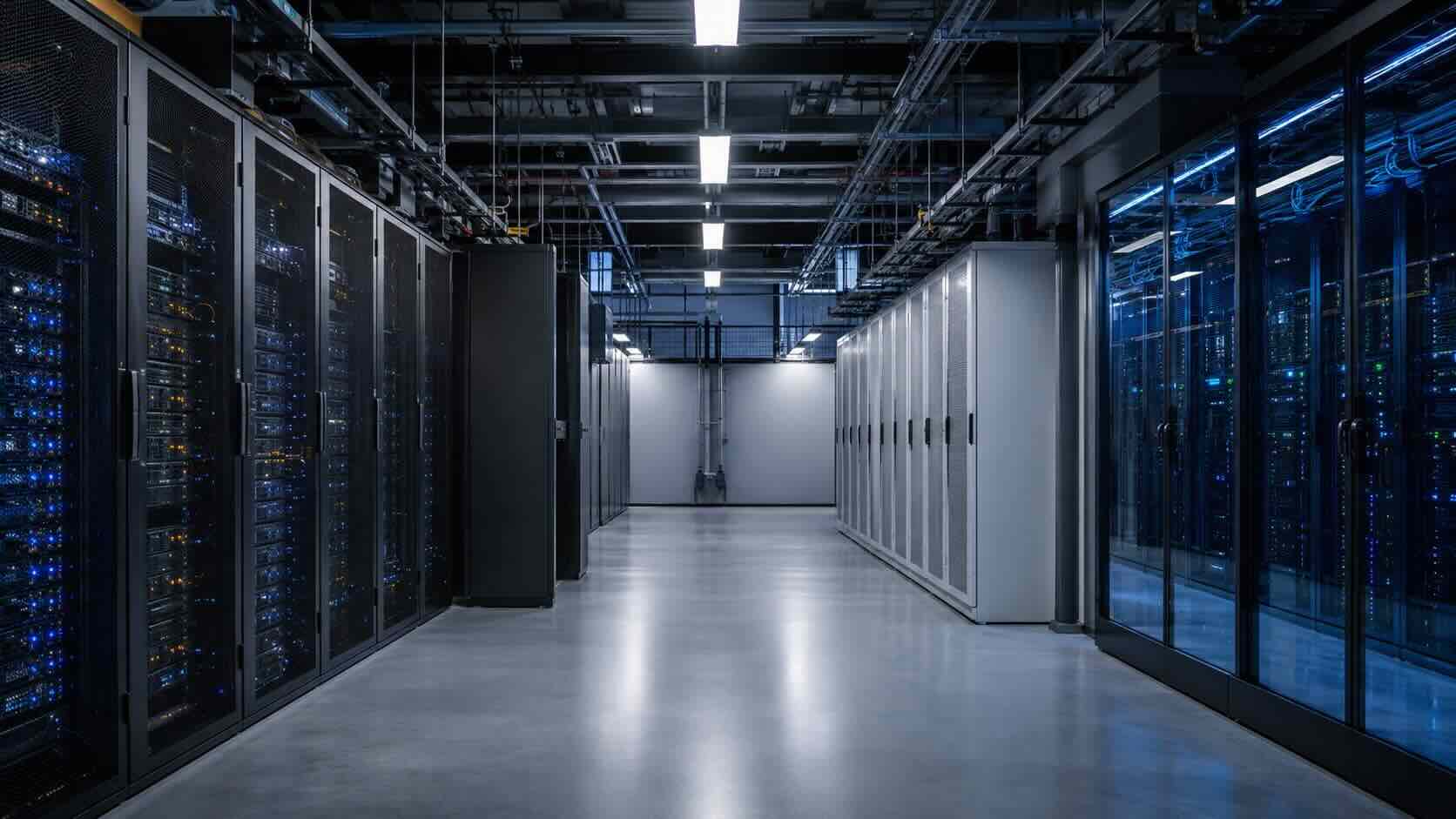
For twenty years, infrastructure refresh was a calendar exercise. Buy the servers, depreciate them over three to five years, put the replacement in next year’s capital plan, repeat. The math was boring, which is exactly what made it work—nobody had to defend it.
That formula quietly stopped being reliable, and most refresh plans written in 2023 have not caught up.
Three things moved at once.
AI workloads arrived off-cycle. No five-year plan drafted before 2024 anticipated a business unit asking for GPU capacity in the middle of year three. The request doesn’t wait for the refresh window, and it rarely fits the environment that’s already racked.
Hardware stopped getting cheaper on schedule. Memory is the clearest example. Server DRAM has been in sustained undersupply as AI buildouts absorb capacity, and analysts at Counterpoint Research have projected that a DDR5 64GB RDIMM could cost roughly twice at the end of 2026 what it cost in early 2025. TrendForce expects conventional DRAM contract prices to rise another 13–18% quarter over quarter in Q3 2026. If your refresh assumed a spec-for-spec replacement at a similar or lower price, that assumption is the first thing to re-test.
The building became a constraint. Most enterprise rooms were designed around racks drawing under 10 kW. Current GPU deployments run 15 to 100+ kW per rack, and around 30 kW the conversation shifts from floor space to power distribution and liquid cooling. You can buy the hardware in a week. You cannot always power it where you planned to put it.
None of that means “stop buying hardware.” It means the decision now has to be argued rather than scheduled.
Three options, priced honestly
There are only three things you can do with infrastructure reaching end of life, and each one is right for some workloads.
Hold. Extend the life of what you own. Real option when the workload is stable, the hardware is still under support, and the capital is better used somewhere else this year. The cost is not zero—it shows up as rising maintenance renewals, growing failure risk, and an engineer’s time.
Refresh. Buy the replacement. Right when workloads are predictable, growth is forecastable, and compliance or performance requires physical custody of the asset. Owning also carries genuine tax advantages that a monthly subscription does not.
Migrate. Move the workload—to private cloud, to colocation, or to public cloud. Right when demand is uneven, when the facility can’t support what’s coming, or when the capital is worth more in the business than in a depreciating asset.
Most environments end up split across all three. The work is sorting which workload goes where, not picking a side.
How to run the analysis
A defensible comparison prices all three options over the same window—60 months is the usual choice, because it spans a full refresh cycle—and counts everything, not just the quote.
What the hardware quote includes: servers, storage, network, licensing at purchase.
What it doesn’t: the maintenance and support renewal in year three. Power and cooling for a rack running at 40% utilization. Rack space and facility overhead. The next firmware, the next patch cycle, the next capacity expansion. Migration and installation labor. Disposal and data destruction at end of life. And the fully-loaded cost of the staff time all of that consumes—the number most analyses leave out because nobody invoices for it.
What the cloud quote doesn’t include either: egress and data transfer. Snapshots and backup storage. The paid support tier. Endpoint detection, MFA, SIEM, and firewall licensing that arrives as separate contracts. Public IPv4 addresses. And the cloud operations headcount you added to manage it.
The honest comparison is a fully-burdened monthly number on each side. Ours, for what it’s worth: on one fixed specification—128 cores, 512 GB RAM, 10 TB SSD, hardware firewall, 32 TB monthly egress, Windows Server—at public list pricing with no negotiated discounts, AWS runs about $19,000 a month, Azure about $12,000, and Dynascale about $7,000. That’s a benchmark, not your bill. Your configuration is different, and the only number that matters is the one you calculate from your own invoices.
Two more inputs belong in the model.
Tax treatment. Owned equipment can be expensed rather than depreciated over years. For tax years beginning in 2026, Section 179 allows up to $2,560,000 in expensing, phasing out once qualifying property placed in service exceeds $4,090,000, and 100% bonus depreciation applies to qualified property acquired and placed in service after January 19, 2025. That materially changes the after-tax cost of buying, and any analysis that ignores it will overstate the case for a subscription. Confirm the current-year specifics with your tax advisor before they go in a board deck.
Cost of capital. A dollar in a depreciating asset is a dollar not doing something else. When capital is expensive, the hurdle rate on a refresh rises with it.
The signals
Technical signals it’s time to move:
- A workload has been requested that the current facility cannot power or cool
- Utilization is chronically low—you bought for a peak that arrives twice a year
- Lead times are now a business constraint; capacity requests take a quarter to satisfy
- An OS or hypervisor deadline is inside the planning window. Windows Server 2016 support ends January 12, 2027, which is inside most current budget cycles
- Hardware is out of, or about to leave, vendor support
- Your best engineers spend meaningful time on lifecycle work instead of anything strategic
Financial signals:
- Maintenance renewals are climbing toward a meaningful fraction of replacement cost
- The refresh quote has moved significantly since the last cycle—increasingly common right now
- Unbudgeted infrastructure spend keeps appearing between capital cycles
- The variance on your cloud bill is large enough that finance has stopped trusting the forecast
Signals to hold:
- Stable workload, flat growth, hardware comfortably inside support
- A compliance or contractual requirement for physical custody
- Capital committed to something with a better return this year
Five mistakes that show up repeatedly
Pricing the box instead of the environment. The PO is one line in a five-year cost. Compare fully-burdened monthly numbers or don’t compare at all.
Treating this as one decision. It’s a decision per workload. Sorting them first almost always produces a better answer than a single verdict for the whole estate.
Leaving staff time out of the model. It’s the largest uncounted number on the owned side and one of the largest on the public cloud side.
Assuming last cycle’s pricing. Component costs have moved. So have power costs and facility requirements. Re-quote before you plan around a number.
Starting the analysis three weeks before budget closes. The good version of this work takes weeks and needs invoices, utilization data, and finance in the room. Started late, it becomes a rubber stamp on whatever was easiest.
Where we fit
Dynascale is a Dell partner and a private cloud provider. That combination is deliberate: we can quote the hardware and we can quote the cloud, so the recommendation follows the workload rather than the business model.
Practically, that means we’ll run the cost analysis with you—your invoices, your utilization, all three options over the same window—and tell you where holding is the right answer, even when it is. Where migration makes sense, we handle it, including the parts most analyses skip: dedicated single-tenant infrastructure, bandwidth in the plan rather than metered, compliance you can point at during an audit, and a monthly number that doesn’t move when your traffic does.
If your next refresh lands inside the next 18 months, this is worth working through now—not three weeks before the capital request is due.
Request a refresh cost analysis →


Get in touch
_ Get a tailored estimate based on your unique infrastructure needs. Understand your costs and scale with confidence.